

Features

For whom
Central Banks and Regulators
Design, edit, and validate supervisory reports directly in Excel, ensuring compliance while reducing manual work.
Statistical Departments and Data Analysts
Use familiar Excel tools with added supervisory formulas to analyze data and generate accurate, regulator-ready reports.
Additional Features
XLSX Support
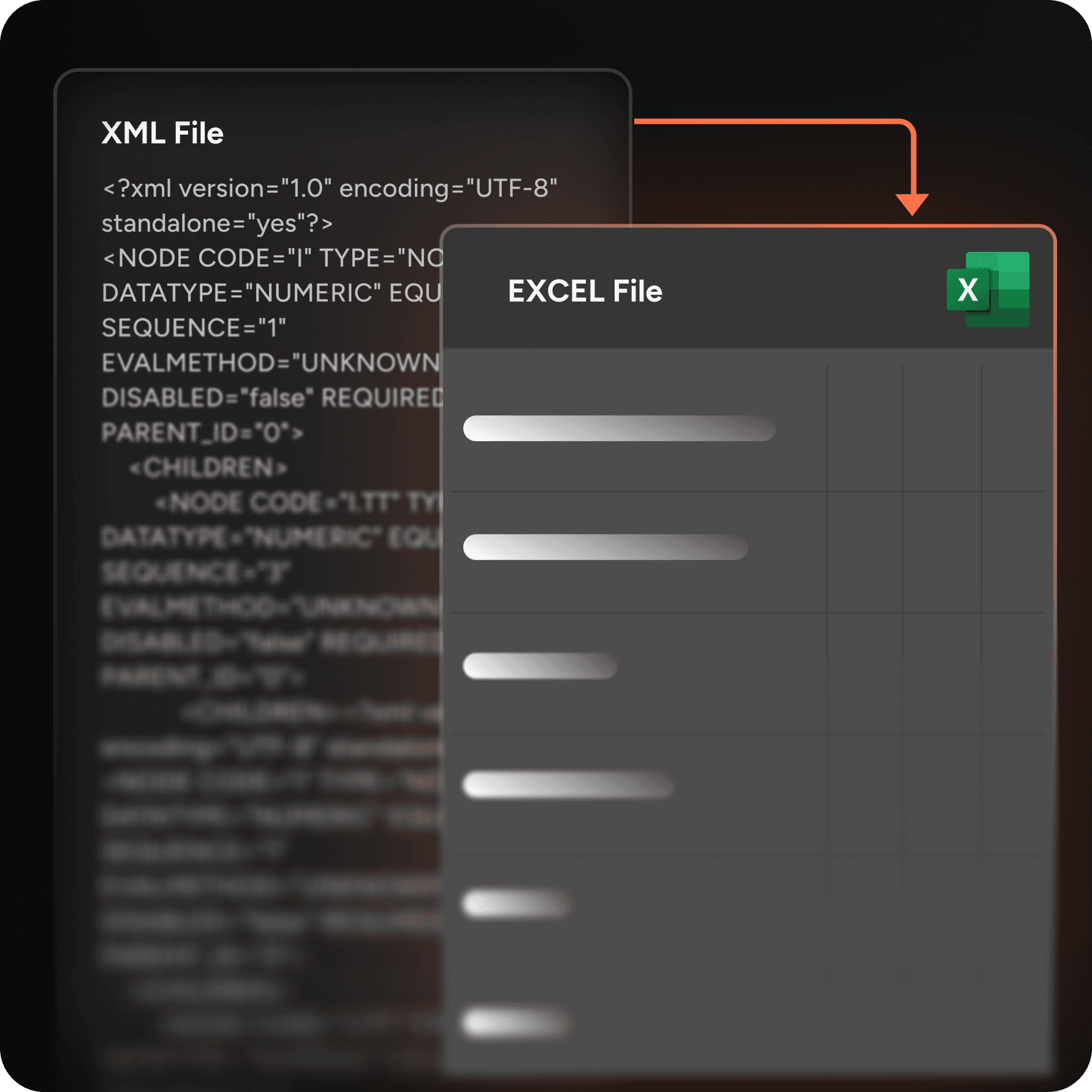
Compatible with modern Excel file formats, making reporting straightforward and accessible.
Metadata Synchronization
Automatically aligns with IRP updates to ensure reports always match the latest regulatory requirements.
Excel Version Compatibility
Works seamlessly across multiple versions of Excel, ensuring flexibility for different users and organizations.
Error Detection & Correction
Highlights inconsistencies and guides users in fixing them quickly, improving data accuracy and saving time.



FAQ
What can the Excel SupTech Add-in do?
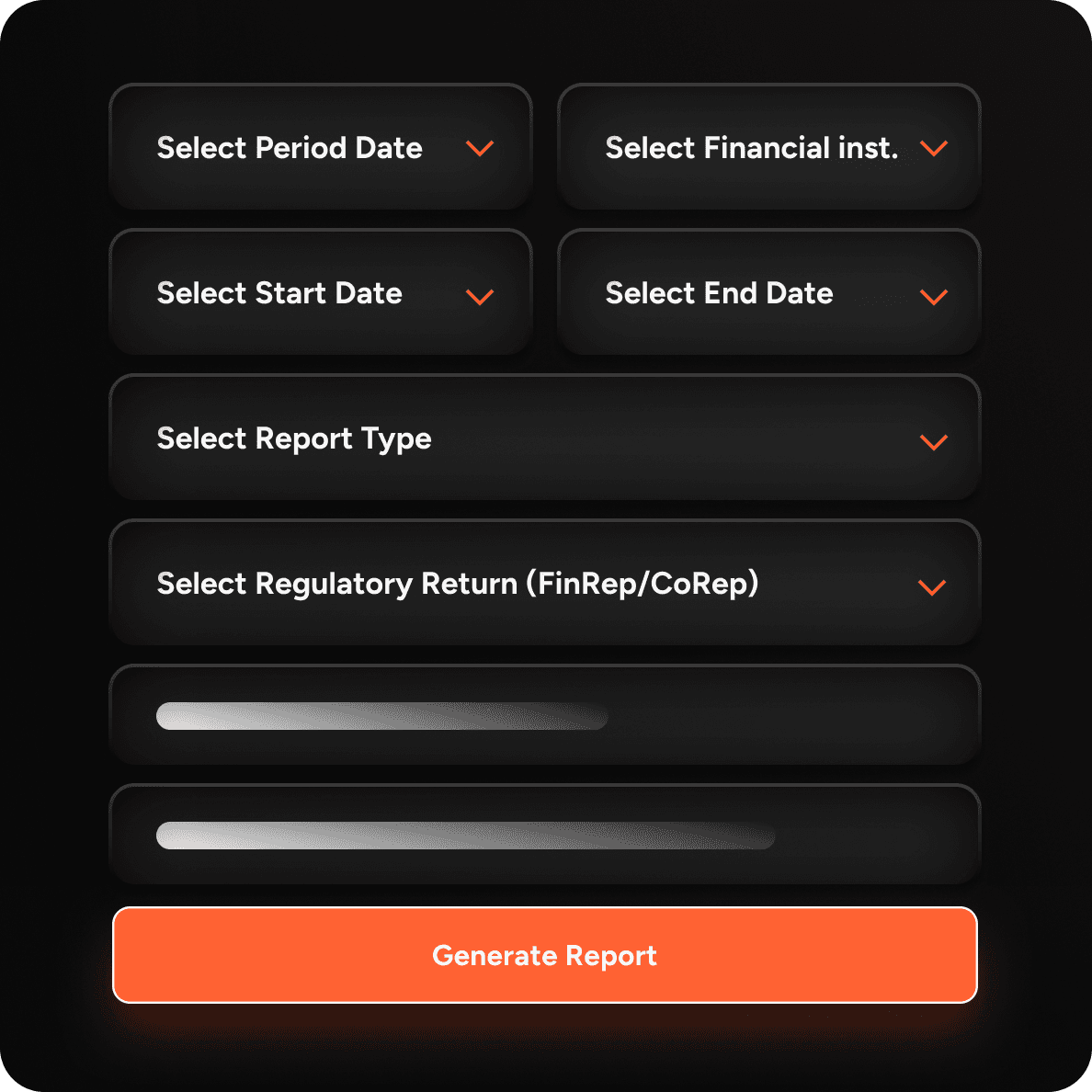
The FINA Excel SupTech Add-in brings regulatory reporting and analysis directly into Microsoft Excel. Users can create reports, query data and review structured returns in a familiar environment.
